
Your Favorite Orange County Bookkeepers Discuss Mobile Accounting
Patty Hansen
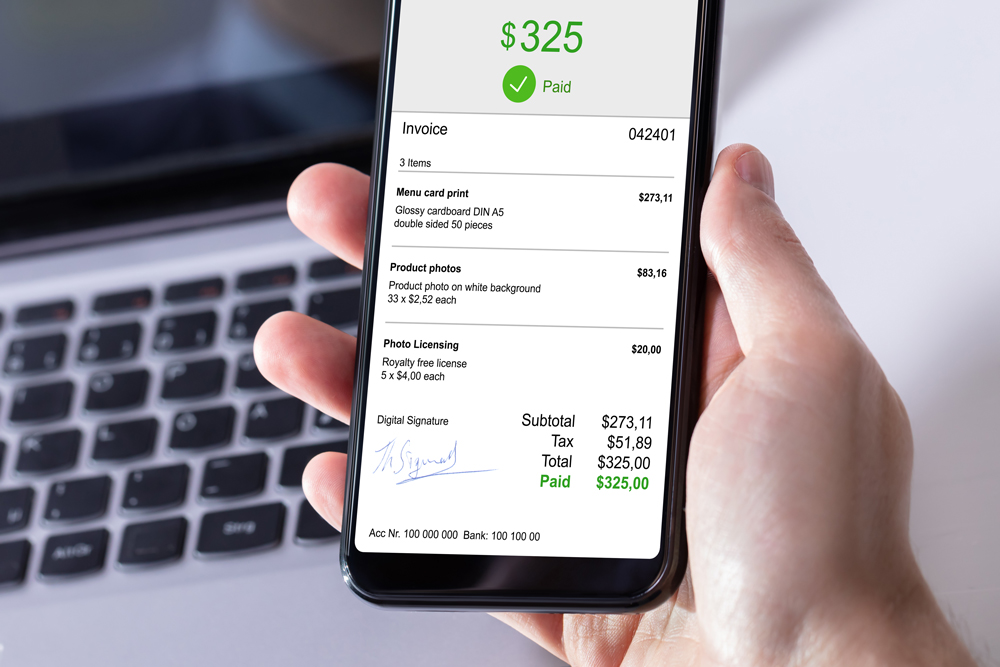
That’s right: The future is here! Now that it is officially 2020, it may be time to jump on that accounting app bandwagon if you haven’t already done so. The exciting news is you can actually do many of your accounting tasks from your phone instead of your computer.
Below are a few examples of accounting things you can do on your phone.
Banking
Are you still trudging to the bank to make your deposits? If so, there is a better way! Simply download your bank’s mobile app, login, and look for the Make Deposit function. Get the check you want to deposit, write “For Electronic Deposit Only” on the back and endorse it. On your phone, enter the amount, then take a picture of the check. Presto! Hit Deposit and the money will be in your account in no time.
Receipts
Shoeboxes of receipts are a thing of the past. (Thank goodness, we say, as we wipe our forehead!) Send your receipts to your accountant simply by taking a picture of them and sending them via email or through a document entry system like Receipt Bank or AutoEntry. The QuickBooks Online app also allows you to attach your receipts to your transactions. You’ll need to set this up to connect with your accounting system, but once it’s set up, it’s a real time-saver.
Accounting
Wondering how much income you made last month? Download your accounting app on your phone and login to get many of the features that you have on your computer onto your phone. You’ll need to be on a cloud system like QuickBooks Online or Xero, or possibly have a hosted desktop solution in order to have this functionality.
Payroll
There’s no need to be tied to your desk on payroll day if you can submit or approve payroll from your phone. Many payroll systems have apps you can download so you can be free of your computer.
Add-ons
There’s a mobile app for almost any add-on you might need! Download T Sheets for time tracking or Square for taking payments.
Artificial Intelligence
There are even some apps where you can ask questions in plain English and get a plain English answer back. These apps are using artificial intelligence which is exploding in the accounting space. You can ask questions about your cash flow or check a metric that you like to follow.
Feel free to reach out to your favorite bookkeepers at Team One Accounting if you’d like to find out more or get help moving some of your accounting functions to your mobile phone.
If you find yourself on the go more often than not, having constant access to your business accounts and these features will be beneficial.
Related Posts

Monsters Under the Balance Sheet: Why This Often-Ignored Report Deserves Your Attention
When business owners review their financial reports, the Profit & Loss Statement usually gets most of the attention. It makes sense. You want to know how much revenue came in, what you spent, and whether the business made a profit. But lurking just beneath the surface is another report that tells an equally important story:…

Is Your Profit Disappearing? Finding the Financial “Vampires” Draining Your Business
Your sales are strong. Your team is busy. Revenue looks healthy. So why does it feel like there should be more money left over? Sometimes the biggest threats to profitability aren’t dramatic expenses that immediately get your attention. They’re the smaller costs and inefficiencies quietly lurking in the background, taking a little bite out of…

Small Financial Habits That Make a Big Difference by Year-End
With fall approaching, now is a good time to make sure your books are on the right track for next year’s tax filing. When January arrives, many business owners suddenly find themselves scrambling to get their finances in order. Receipts need to be tracked down, accounts need to be reconciled, outstanding invoices need attention, and…